
ภาพ4:5ยังไม่มีภาพตัวอย่าง
คน · แฟชั่น
พอร์ตเทรตขาวดำชาวประมง
ภาพบุคคลแนวสารคดี ทรงพลังทางอารมณ์
Nano Banana · ChatGPT · Midjourney
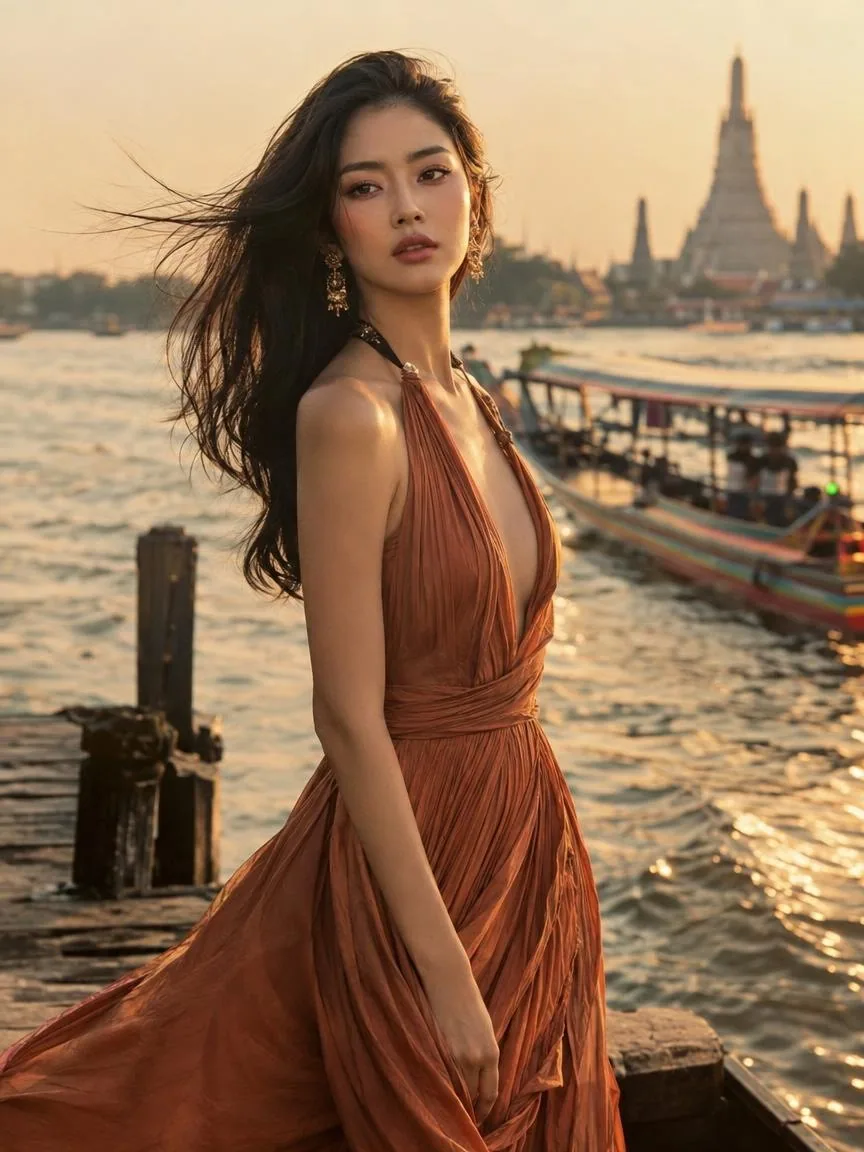
ภาพแฟชั่นสไตล์นิตยสาร บรรยากาศไทยร่วมสมัย
ทั่วไป
Editorial fashion portrait of a young Thai woman in a flowing terracotta silk dress, standing on an old wooden pier by the Chao Phraya River at golden hour, wind in her hair, a long-tail boat softly blurred behind, 85mm f/1.4, subtle film grain, high-fashion magazine color grading
Midjourney
Editorial fashion portrait of a young Thai woman in a flowing terracotta silk dress, standing on an old wooden pier by the Chao Phraya River at golden hour, wind in her hair, a long-tail boat softly blurred behind, 85mm f/1.4, subtle film grain, high-fashion magazine color grading --ar 4:5 --style raw
Gemini · ChatGPT
Editorial fashion portrait of a young Thai woman in a flowing terracotta silk dress, standing on an old wooden pier by the Chao Phraya River at golden hour, wind in her hair, a long-tail boat softly blurred behind, 85mm f/1.4, subtle film grain, high-fashion magazine color grading. Aspect ratio 4:5.
สตูดิโอใส่ Prompt และค่าที่ใช้สร้างภาพตัวอย่างให้ ไม่ต้องตั้งเอง
กดปุ่มใต้ภาพ เก็บไว้ในเครื่อง
แนบภาพนั้นในเครื่องมือที่ใช้ (วิธีของแต่ละตัวด้านล่าง)
ตั้งสัดส่วน 4:5 ให้ตรงกัน ถ้ายังไม่ใช่ กดสร้างใหม่อีก 2–3 ครั้ง
use the attached image as the style referencematch the lighting, colors and composition of the attached image--sref <ลิงก์รูป> --ar 4:5แต่ละเครื่องมือเป็นโมเดล AI คนละตัว และสุ่มใหม่ทุกครั้ง ผลจึงใกล้เคียงตัวอย่าง ไม่เหมือนเป๊ะ — ใกล้ที่สุดคือ ทำในสตูดิโอ ที่ใช้โมเดล รูปอ้างอิง และสัดส่วนเดียวกับตัวอย่าง
เติม no text, no watermark ท้าย Prompt หรือใน Midjourney ใช้ --no text
เติม photorealistic, natural skin texture, shot on a DSLR และใน Midjourney ใช้ --style raw
เปลี่ยนส่วนแสงเป็น bright soft daylight หรือ high-key lighting
ภาพบุคคลแนวสารคดี ทรงพลังทางอารมณ์
เทมเพลต: [GENDER] = man / woman, [AGE] = 20 / 30 / 40